From one fixed command view to flexible operations surfaces
Version 1.0 did the important thing first: make the core workflows stable under pressure. As we kept shipping features, one part stayed static, the layout itself.
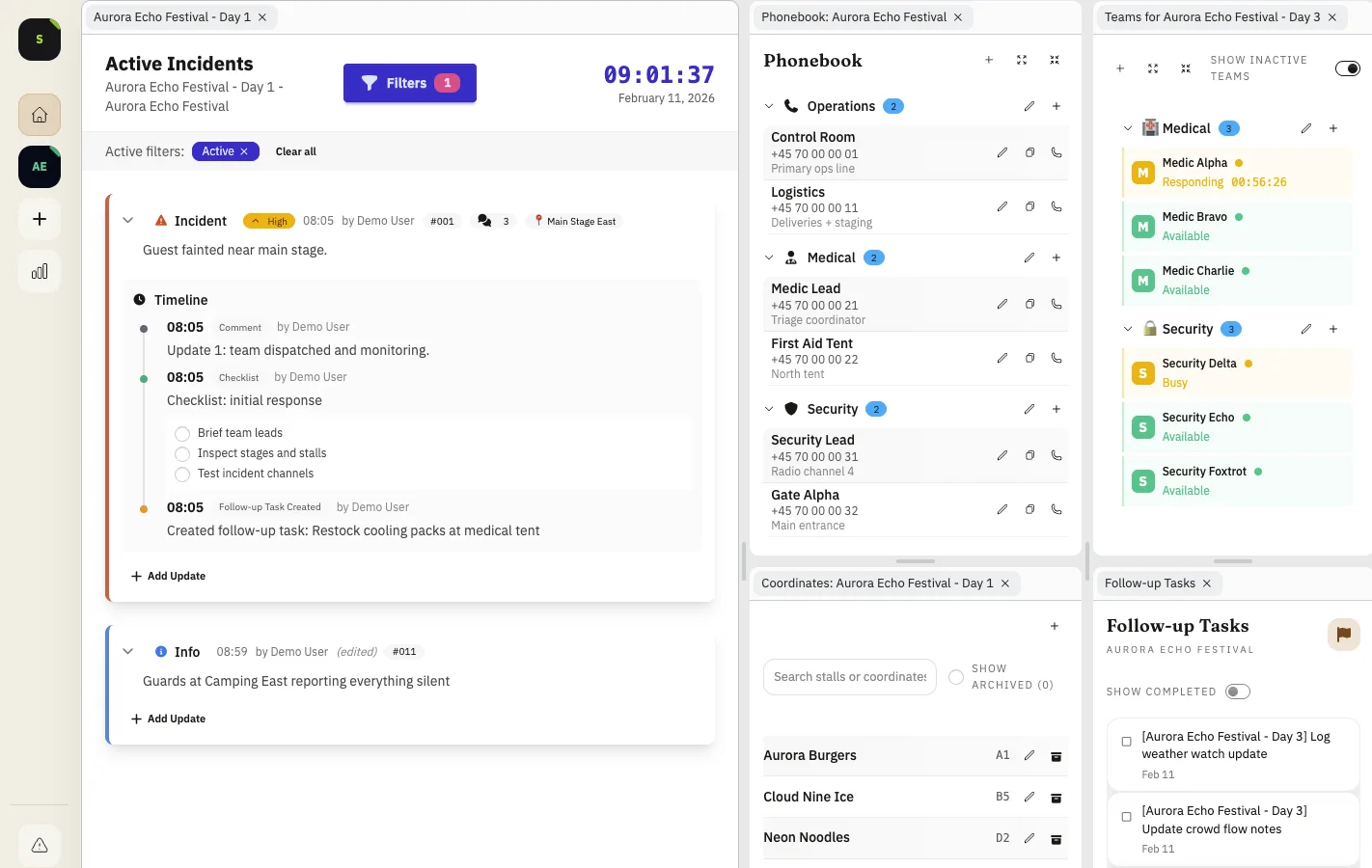
That layout reflected my own opinion of how an operations screen should look. It worked, but it could not match every team style, venue profile, or shift rhythm.
Teams can now shape the screen around how they actually run
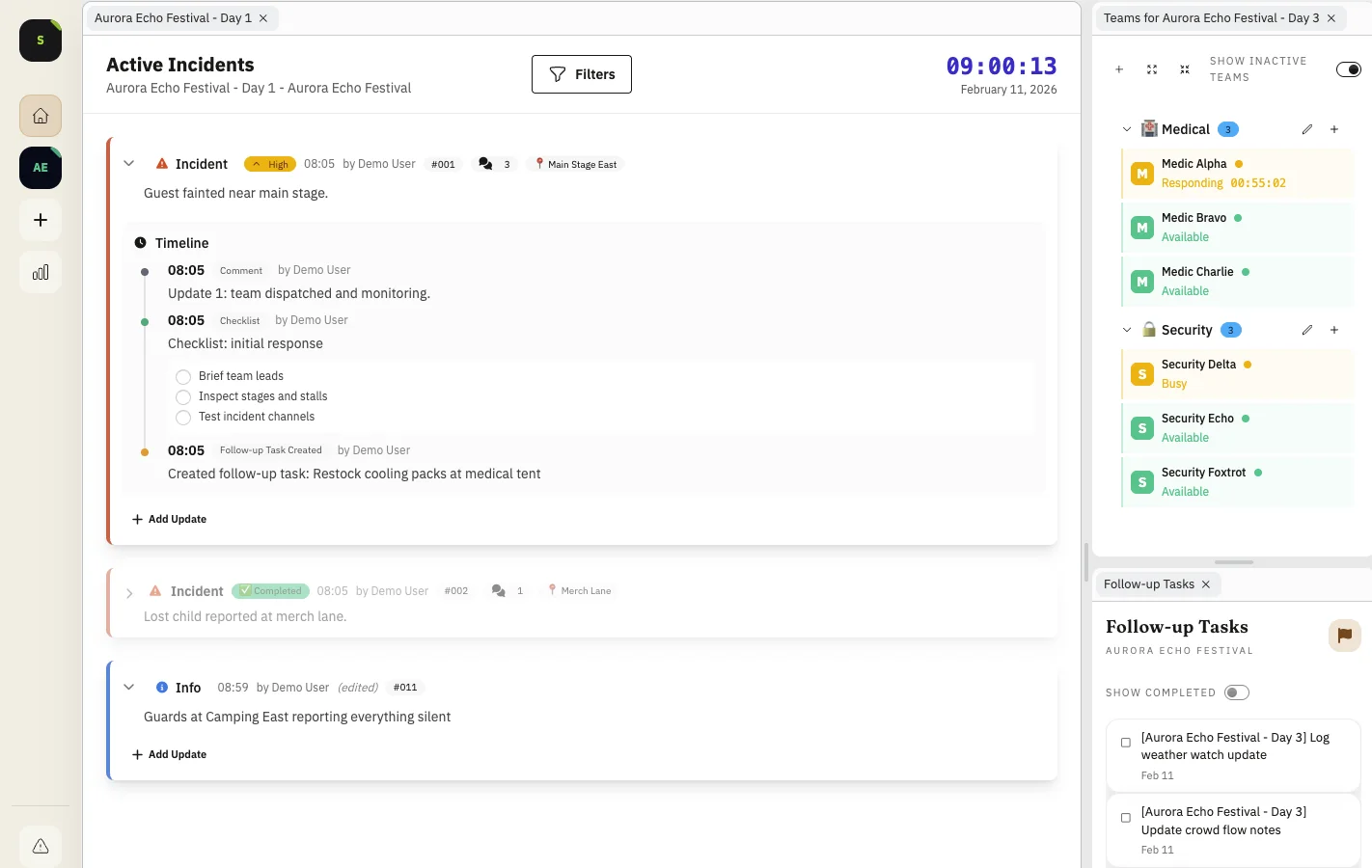
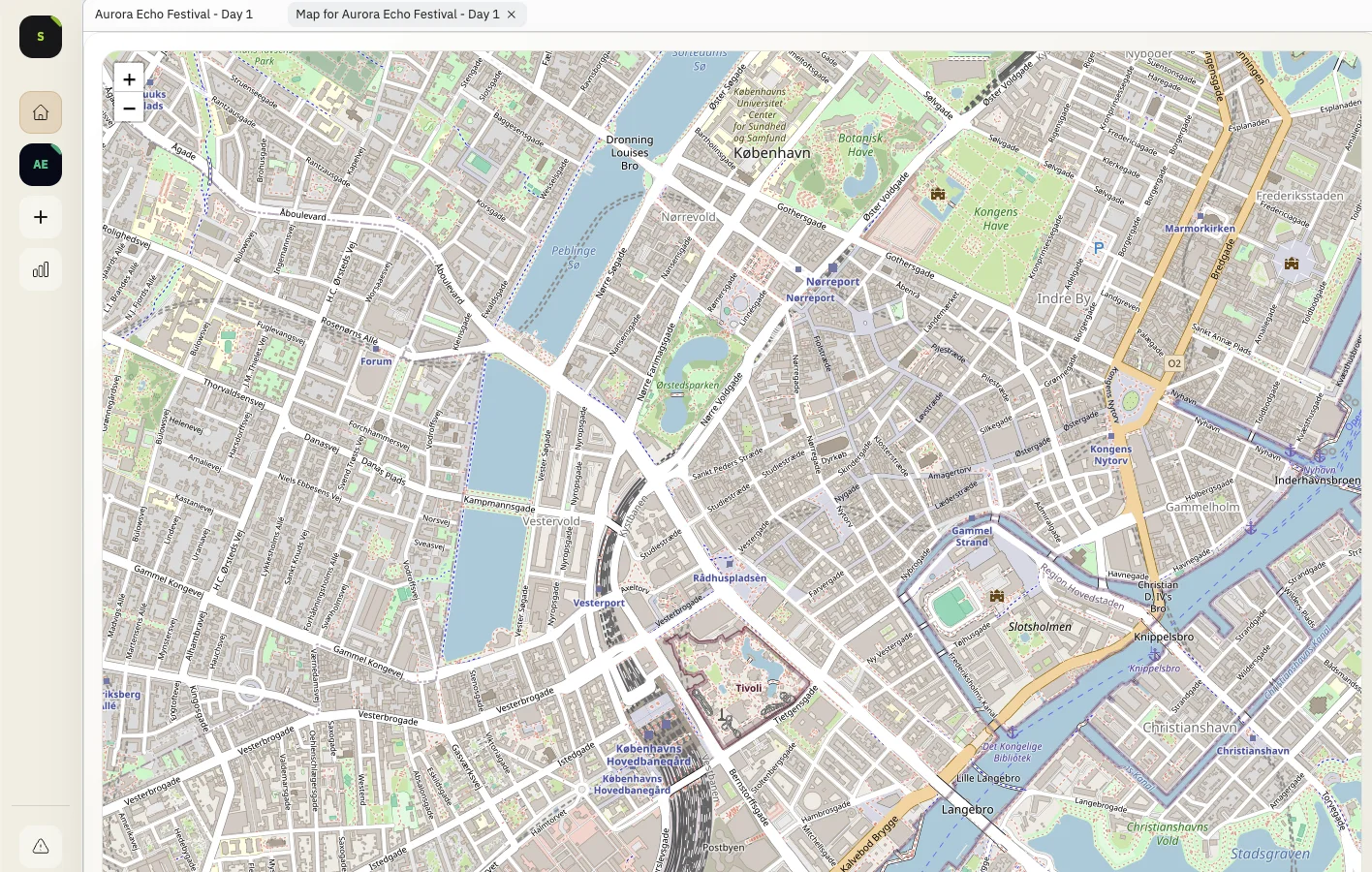
Some teams operate map-first. Others keep the live incident queue dominant and surface map context only when escalation starts. Flexible panels support both styles without forcing one workflow.
During live operations, layouts can shift as conditions change: widen timeline during review windows, expand incident feed during surges, and pull back to a compact close-out view after peak.
- Move and resize panels freely
- Keep critical panels in persistent view
- Adapt layouts for day shift, peak, and close-out
Example: day-to-night command handoff
Day shift keeps reporting and timeline panels expanded for trend monitoring. Night shift switches to an incident-feed plus map-heavy layout during crowd peaks, then restores a baseline for close-out.
- Less visual clutter in high-pressure windows
- Faster handoff between different operating styles
- Better fit across teams without retraining the whole tool
Release History
This feature is documented in the following public release notes.
Related Product Pages
Continue your evaluation with pricing, security, and release transparency pages.